Whether you're a client looking to find a great tailor or stylist, or a fashion professional ready to build your digital presence, Tailorte is designed to make the entire experience — discovery, booking, communication, and management — as smooth and rewarding as possible. This guide walks you through every key feature so you can hit the ground running from day one.
Creating Your Tailorte Account
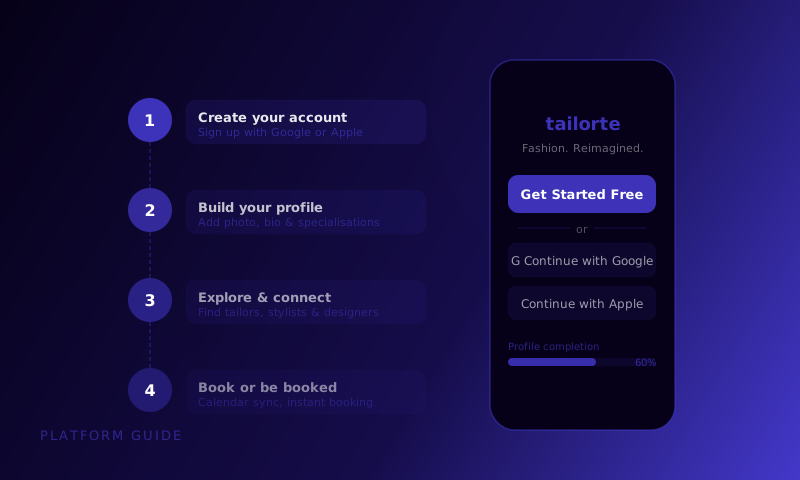
Getting started on Tailorte takes under five minutes. Visit tailorte.com and tap 'Join Tailorte'. You'll be asked whether you're signing up as a client or a professional — this determines your account type and the features available to you, though you can always update this later. Fill in your basic details (name, email, and a secure password), verify your email address, and you're in.
If you're signing up as a professional — tailor, stylist, designer, fashion brand, or amendment specialist — you'll be guided through a more detailed setup process that includes your business name, service description, and initial profile configuration. Take the time to complete this fully before you start promoting your profile. A complete profile converts significantly better than a sparse one.
Navigating the Platform: The Key Sections
Tailorte's interface is organised around five main areas. Understanding what each one does will help you find what you need quickly.
- Home Feed (Steez): The social discovery feed where professionals post fashion content — browse for inspiration and discover new talent
- Discover: Search and filter for fashion professionals by service type, location, and specialisation
- Appointments: Your booking hub — upcoming appointments, past bookings, and rescheduling tools
- Profile: Your personal or business profile, portfolio, and settings
- Messages: Direct communication with professionals or clients you're working with
For Clients: Finding the Right Fashion Professional
Use the Discover section to search for fashion professionals in your area or globally. The search filters let you narrow by service type (bespoke tailoring, alterations, personal styling, fashion design), location, price range, and specialisation. Each search result shows a professional's profile photo, star rating, key specialisations, and typical price range — enough to decide whether to explore further.
When you find someone interesting, tap their profile to see their full portfolio, read reviews from past clients, and check their availability. The 'Book Appointment' button is always visible on a professional's profile — if you're ready to book, there's no friction in the way. If you want to ask a question first, use the Messages feature to reach out directly.
Before booking, check when the professional last posted on Steez. Active, recent posts are a strong signal that they're currently taking bookings and engaged with their work. A profile with a last post from six months ago may mean they're no longer active on the platform.
For Professionals: Setting Up Your Profile for Success
Your Tailorte profile is your most important business development tool on the platform. Give it the attention it deserves. Complete every section: a compelling bio that speaks to your ideal client, a professional profile photo or logo, your service types and pricing, your location and service area, and your initial portfolio pieces. A fully completed profile ranks better in search results and converts significantly more profile visits into bookings.
In your account settings, connect your Google Calendar to enable live availability syncing. Set up your appointment types — different service categories with their own duration, description, and price. And configure your booking preferences: how far in advance clients can book, any advance notice you require, and whether you accept same-day bookings. These settings take about 15 minutes to configure and will save you hours of scheduling admin each week.
How to Book Your First Appointment
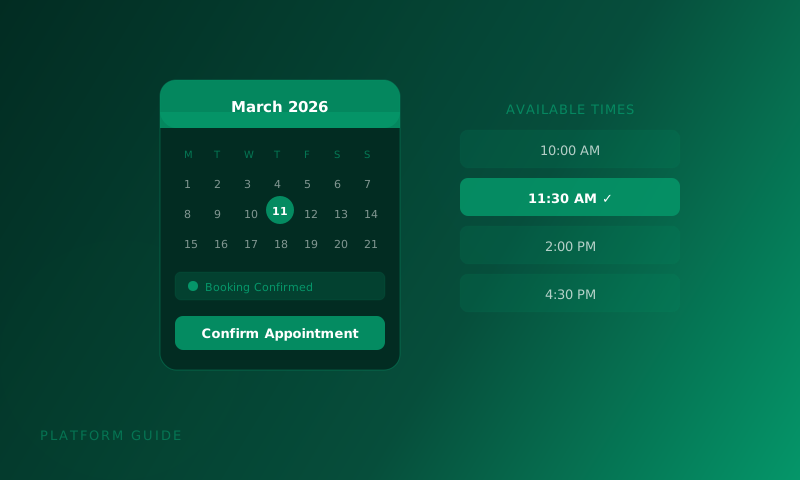
Booking on Tailorte is a straightforward four-step process. First, find a professional whose work resonates with you. Second, select the appointment type you need from their profile. Third, choose a date and time from their live availability calendar. Fourth, add a booking note with any relevant context about your project and confirm. You'll receive an immediate confirmation, and the appointment will sync to your calendar if you've connected it.
Using the Steez Feed for Inspiration and Discovery
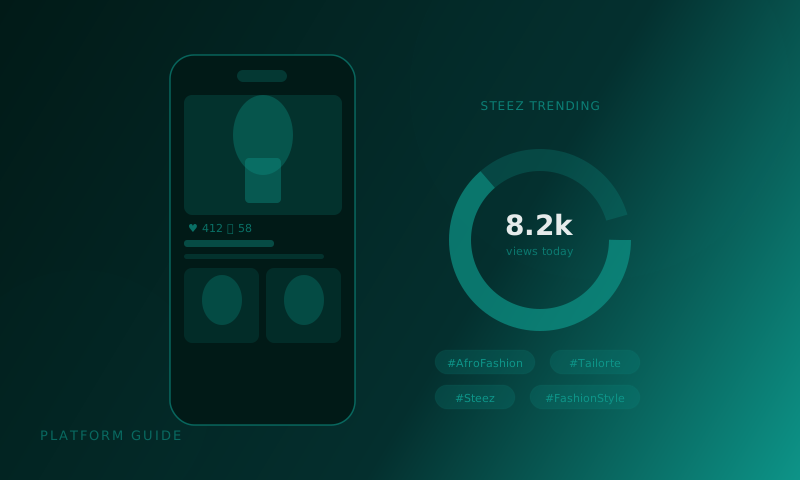
The Steez feed is Tailorte's social layer — a fashion-specific content stream where professionals share their work and clients discover talent. Spend time browsing the feed when you first join the platform. Save posts that resonate with you (they'll be useful as reference images for future bookings), follow professionals whose aesthetic you admire, and use the feed as an ongoing source of fashion inspiration and trend awareness.
Connecting Your Google Calendar
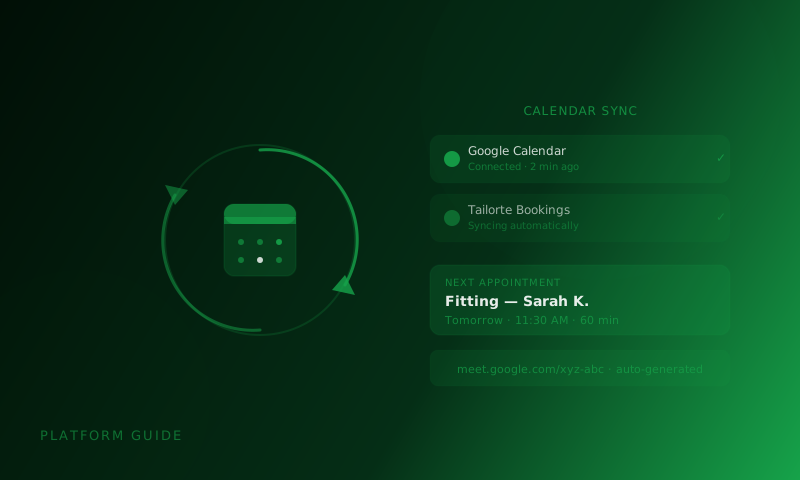
Google Calendar integration is one of Tailorte's most practical features for both clients and professionals. For clients, it means confirmed appointments automatically appear in your personal calendar with all relevant details. For professionals, it means your availability on Tailorte always reflects your actual schedule, preventing double-bookings. To connect, go to Settings, select Integrations, and follow the Google Calendar authorisation flow — it takes under two minutes.
Your First Month: A Practical Checklist
Here's a practical checklist for making the most of your first month on Tailorte, whether you're a client or a professional.
- Complete your profile to 100% — every section, every detail
- Connect your Google Calendar for seamless scheduling
- Browse the Steez feed and follow at least 10 professionals or creators whose work inspires you
- For clients: book your first appointment within the first two weeks — the best way to learn the platform is to use it
- For professionals: post your first Steez within three days of joining — early activity signals an engaged profile
- For professionals: add at least five portfolio pieces in the first week
- Leave a review after your first completed appointment — build the community trust that benefits everyone
- Explore your account settings to customise notifications, availability, and communication preferences
Getting Help When You Need It
If you ever get stuck or have a question, Tailorte's support resources are always available. The Help Centre covers detailed guides for every platform feature. In-app chat support connects you with the team directly for account-specific questions. And the Tailorte community — accessible through the platform and via the Steez feed — is an active, helpful space where users share tips and answer each other's questions.
The platforms that change how we work are the ones that disappear into the background — you stop thinking about the tool and start thinking about the work. That's what we're building with Tailorte.
— Tailorte Editorial Team
You're ready to get started. Create your Tailorte account today and join the fashion community built for professionals, clients, and everyone who loves great style.
Create Your Account