Scheduling mistakes are expensive. A double-booking doesn't just cost you a client — it costs you your reputation for reliability. Tailorte's Google Calendar integration eliminates this risk entirely by keeping your availability in sync in real time, across every device and platform you use.
How Tailorte's Calendar Integration Works
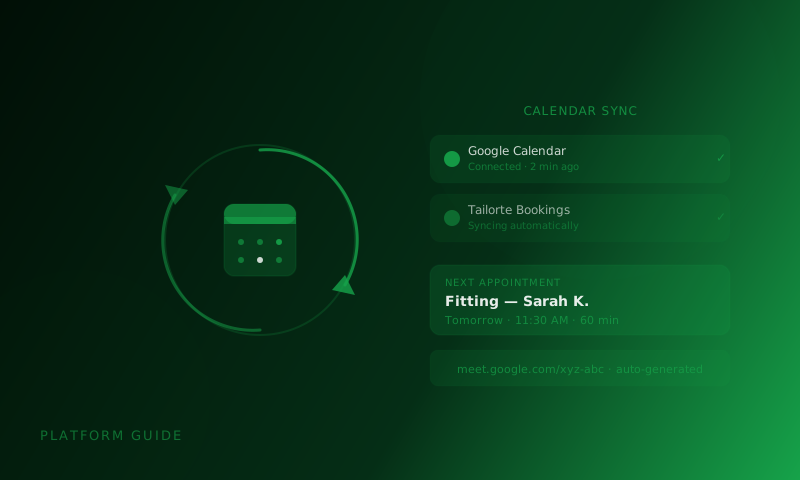
When you connect your Google Calendar to Tailorte, the platform gains write-only access to your calendar — which means it can create and cancel appointments on your behalf, but cannot read your personal events or data. This keeps your privacy intact while ensuring that bookings made on Tailorte immediately appear in your Google Calendar as confirmed events.
The integration also works in reverse: when Tailorte checks your availability before showing open slots to a client, it accounts for any events already in your Google Calendar. If you have a dentist appointment on Tuesday afternoon, that slot will automatically appear as unavailable on your Tailorte booking page — even though neither Tailorte nor the client ever sees why.
Setting Up the Integration in Minutes
- Go to your Tailorte business profile settings
- Navigate to 'Appointments & Calendar'
- Click 'Connect Google Calendar' and sign in to your Google account
- Grant the requested calendar permissions (event creation only)
- Set your default appointment duration and buffer time between bookings
- Test with a dummy booking to confirm the sync is live
Set a 15-minute buffer between appointments in your Tailorte settings. This gives you time to wrap up, tidy your workspace, and prepare for the next client — especially important for back-to-back fitting sessions.
Virtual Consultations: Meeting Links Included
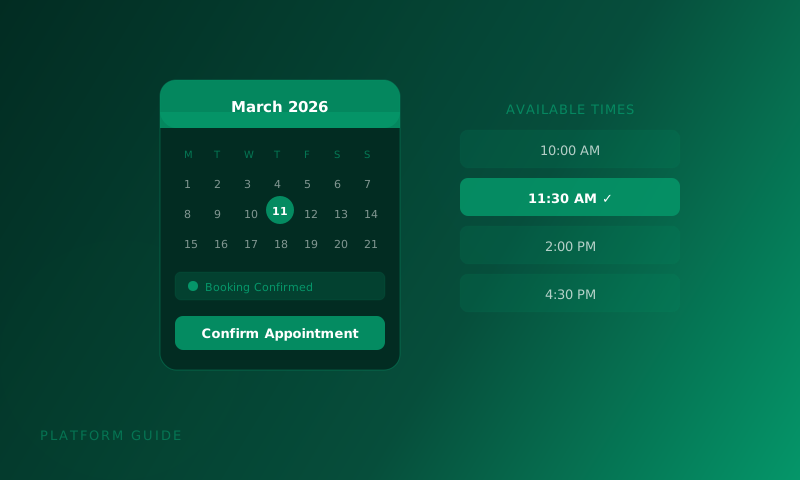
When a client books a virtual consultation through Tailorte, the system automatically generates a Google Meet link and includes it in both the calendar event and the booking confirmation email. No more manually creating video calls or copying links back and forth. The client receives everything they need in one place.
Tailorte stores only the calendar event ID and the meeting link — nothing more. When an appointment is cancelled, the event is removed from your calendar and the link is deactivated. Your calendar data stays yours.
Appointment Types and Duration Settings
Structure your booking page around different appointment types: Initial Consultation (30 min), First Fitting (60 min), Final Fitting (45 min), Collection (20 min). Each type appears as its own bookable option for clients, with the correct duration pre-set. This prevents a client accidentally booking a 30-minute slot for what needs to be a 90-minute bespoke consultation.
Ready to run your tailoring schedule like clockwork? Connect your Google Calendar on Tailorte today.
Set Up Calendar Sync